EditTextInImage
EditorSame fontScreenshot textJPG text editorBatch image text editorProjectsRemove textTranslate image textGuides
EditTextInImage

A few new words. A familiar look. Make a focused edit to your image and inspect the details before you share.

English简体中文EspañolPortuguês日本語한국어РусскийDeutschFrançais

Tools

Same fontScreenshot textJPG text editorBatch image text editorProjectsRemove textTranslate image textGuides

Explore

AboutContactPrivacyTerms
© 2026 EditTextInImage. Images remain yours.

Translate image text

Translate Text in Image. Review the words before writing them back.

Select a phrase, recognize or enter it, choose English or Simplified Chinese, review the translation, then write it back for 1 credit and check the layout. No image credits are used before generation.

One precise area at a timeFull-size PNG download
Editor
  1. 1Select text
  2. 2Recognize or enter
  3. 3Choose language
  4. 4Review translation
  5. 5Write back
  6. 6Check layout

Single text edit

Translate image text

Loading…

Each generation uses 1 credit. Purchases are closed; editing pauses when your free credits run out.

Step 1: Upload an image, then drag a box around one text area.
Translate image text

Trial: this language direction and lettering mode have not passed fixed-case image quality review.

Automatic suggestions are unavailable. Enter and review your translation below.

Write-back accepts one different phrase up to 120 characters. Keep longer suggestions for review; shorten them yourself.

Confirm the original and translation before generating. Confirmation uses no credits.

The selected area and some surrounding context are sent to a third-party AI provider. Clear, horizontal text works best. Chinese edits are experimental; review every character before downloading. Results are temporary.

Confirm the original and translation before generating. Confirmation uses no credits.

Upload up to 20 images. Inspect each region, then run the queue. Temporary drafts stay on this device for 30 minutes; save a named account project to keep your work.

Reviewed task examples

Show original

Original image preview

Show edited

Edited image preview

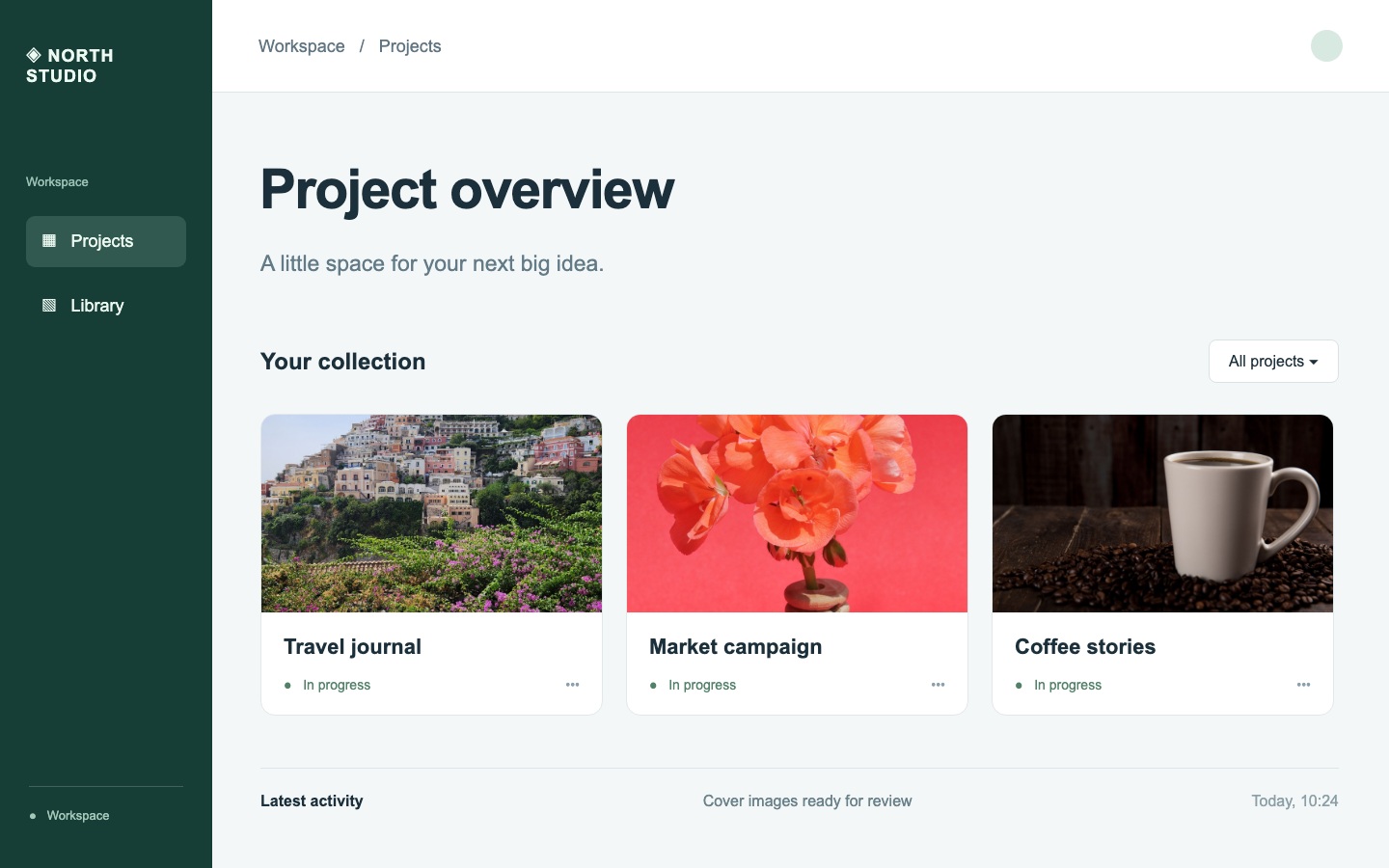
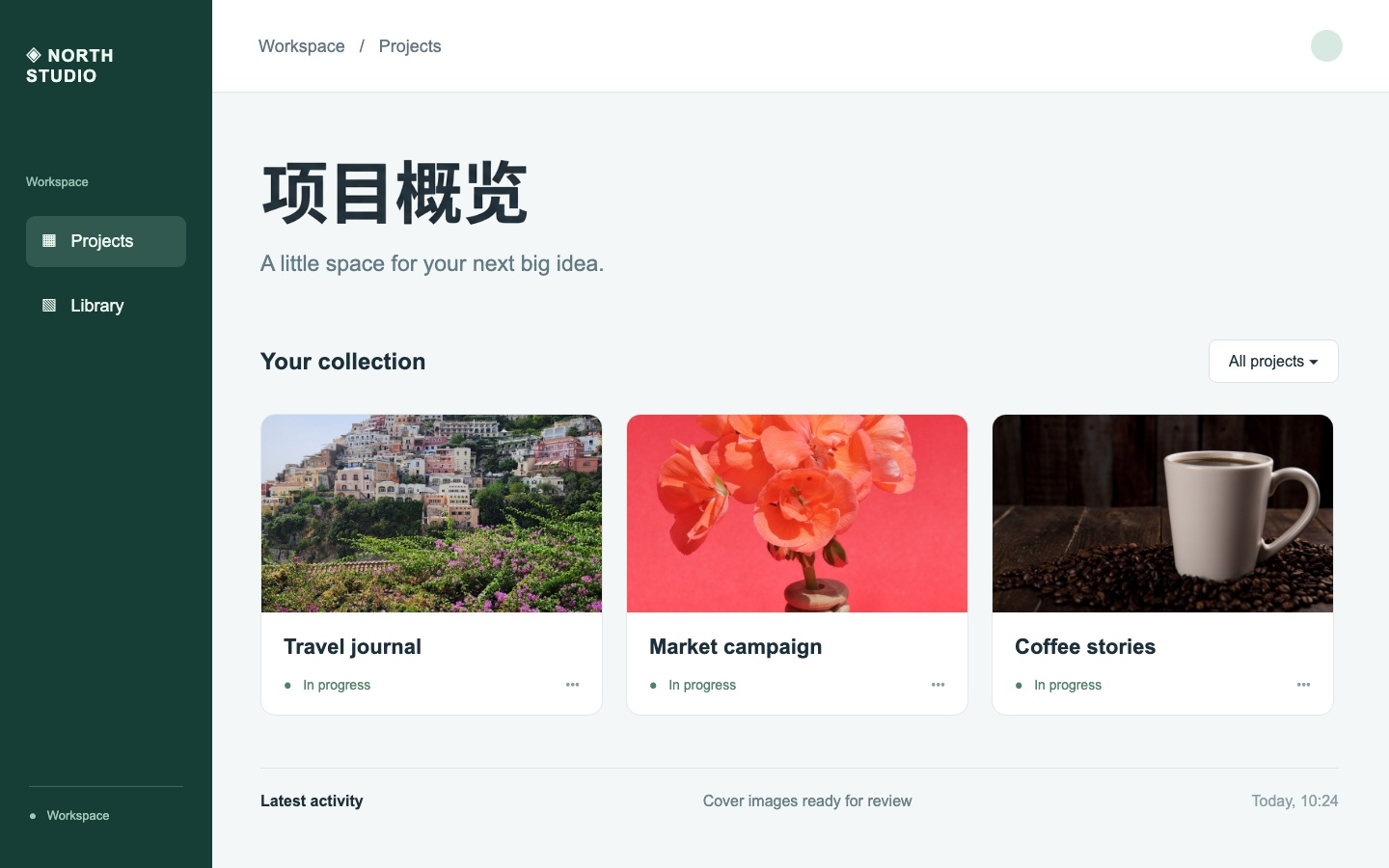
Project overview → 项目概览

Reviewed 2026-10-13 · google/nano-banana-2 · EN → ZH

Show original

Original image preview

Show edited

Edited image preview

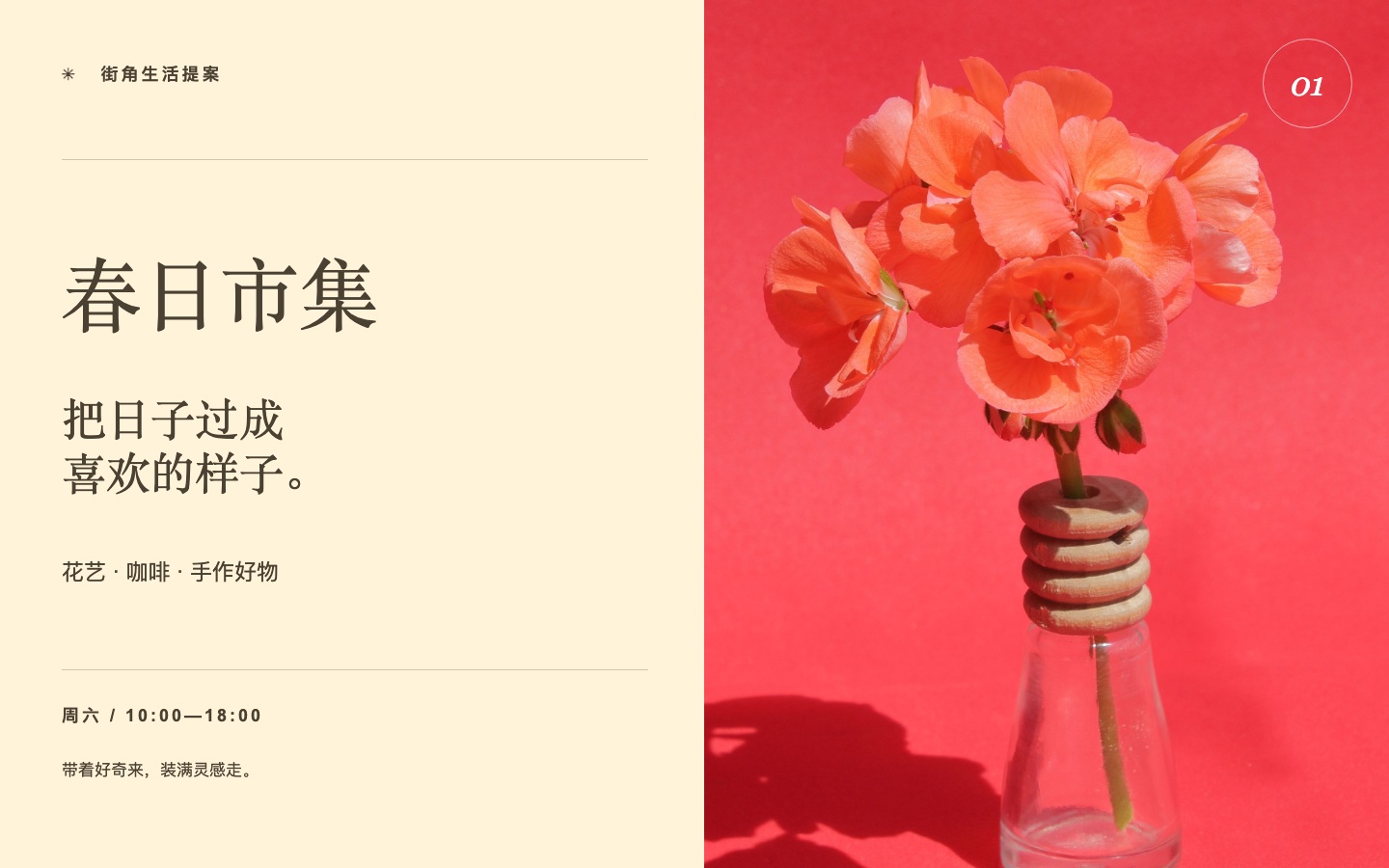
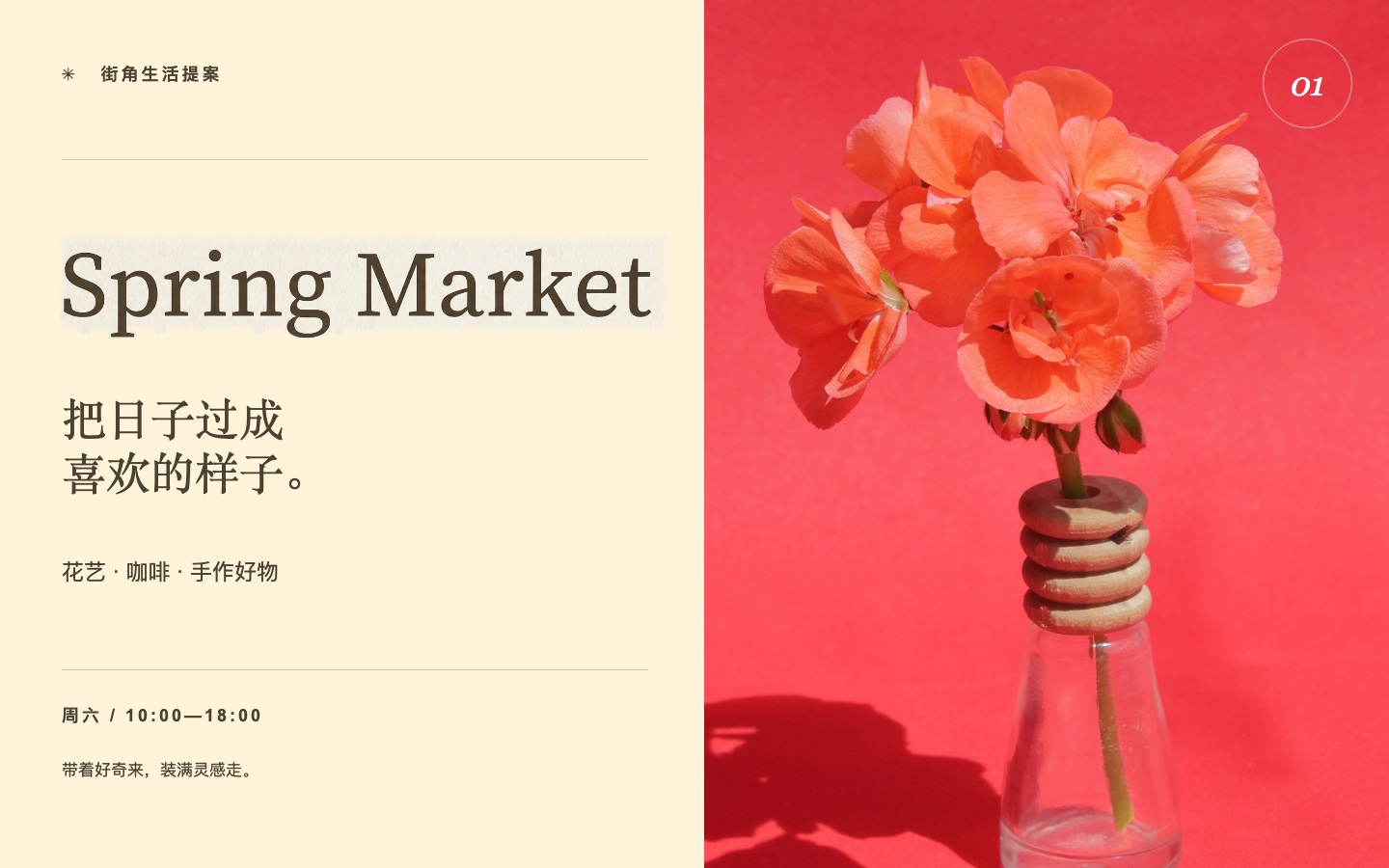
春日市集 → Spring Market

Reviewed 2026-10-13 · google/nano-banana-2 · ZH → EN

  1. Select text
  2. Recognize or enter
  3. Choose language
  4. Review translation
  5. Write back
  6. Check layout

Nine interface languages do not mean nine tested image text languages. Translation write-back is currently evaluated only between English and Simplified Chinese.

Write-back accepts one different phrase up to 120 characters. Keep longer suggestions for review; shorten them yourself.

Confirm the original and translation before generating. Confirmation uses no credits.

Check common failure points

OCR suggestions can be wrong: correct the original before continuing. Include shadows and complete strokes in the selection. Long replacements and small fonts need close inspection. A solid color cover only suits flat backgrounds. Translation can still clip strokes or change fonts on photographs. Review wording and layout before write-back; a new AI attempt costs another credit, while a definite failed generation is refunded.

Nine interface languages do not mean nine tested image text languages. Translation write-back is currently evaluated only between English and Simplified Chinese.